MCP
Your research,inside Claude.
Connect Superidea to the AI app you already use. It reads your boards and Library, runs live social research, and saves what it finds back to your account.
Connect
Paste one address. Sign in. Done.
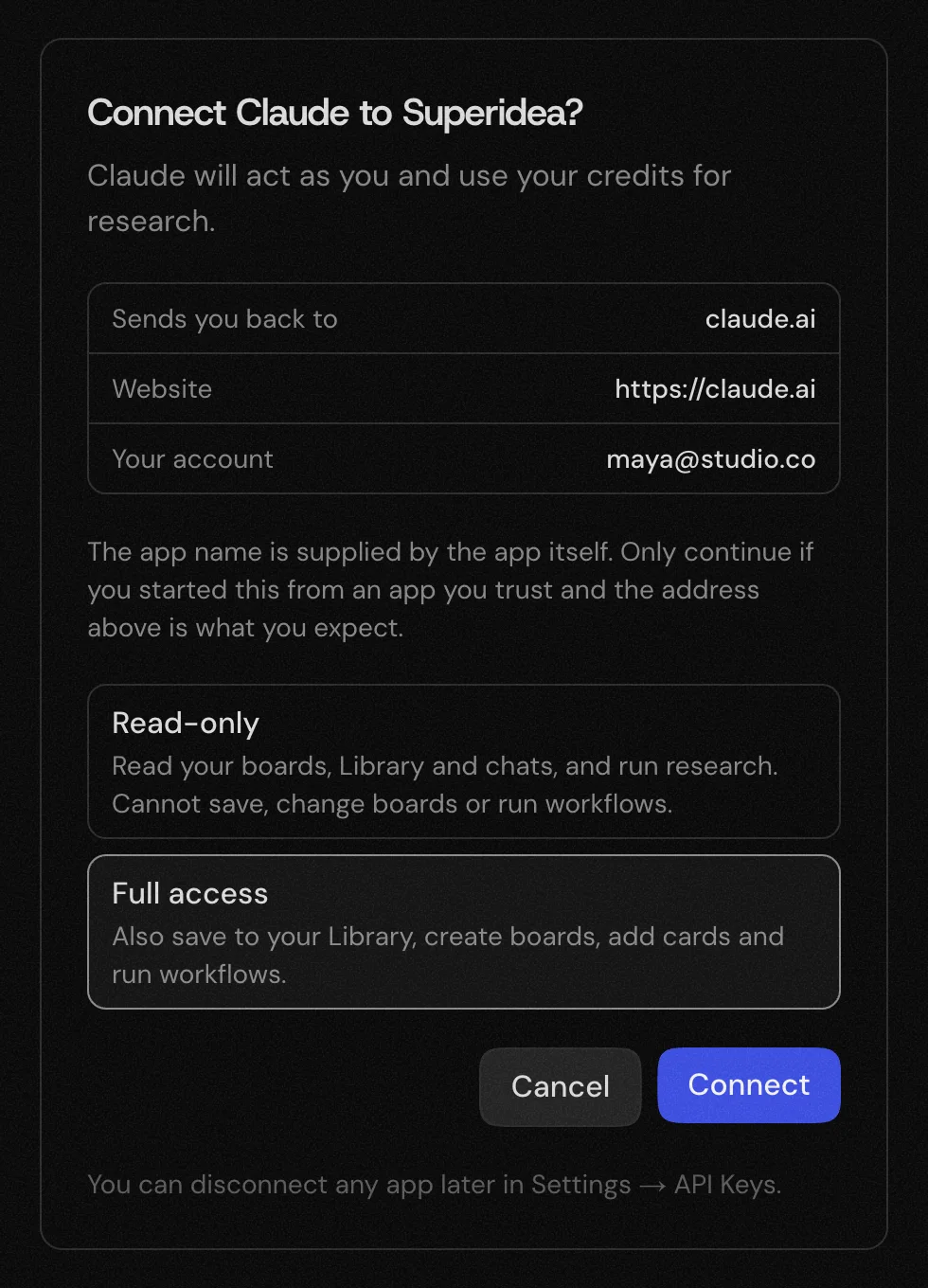
Add Superidea as a connector in Claude and you are sent here to sign in. No keys to copy. You choose read-only or full access, and you can disconnect it from Settings whenever you like.
Connect Claude →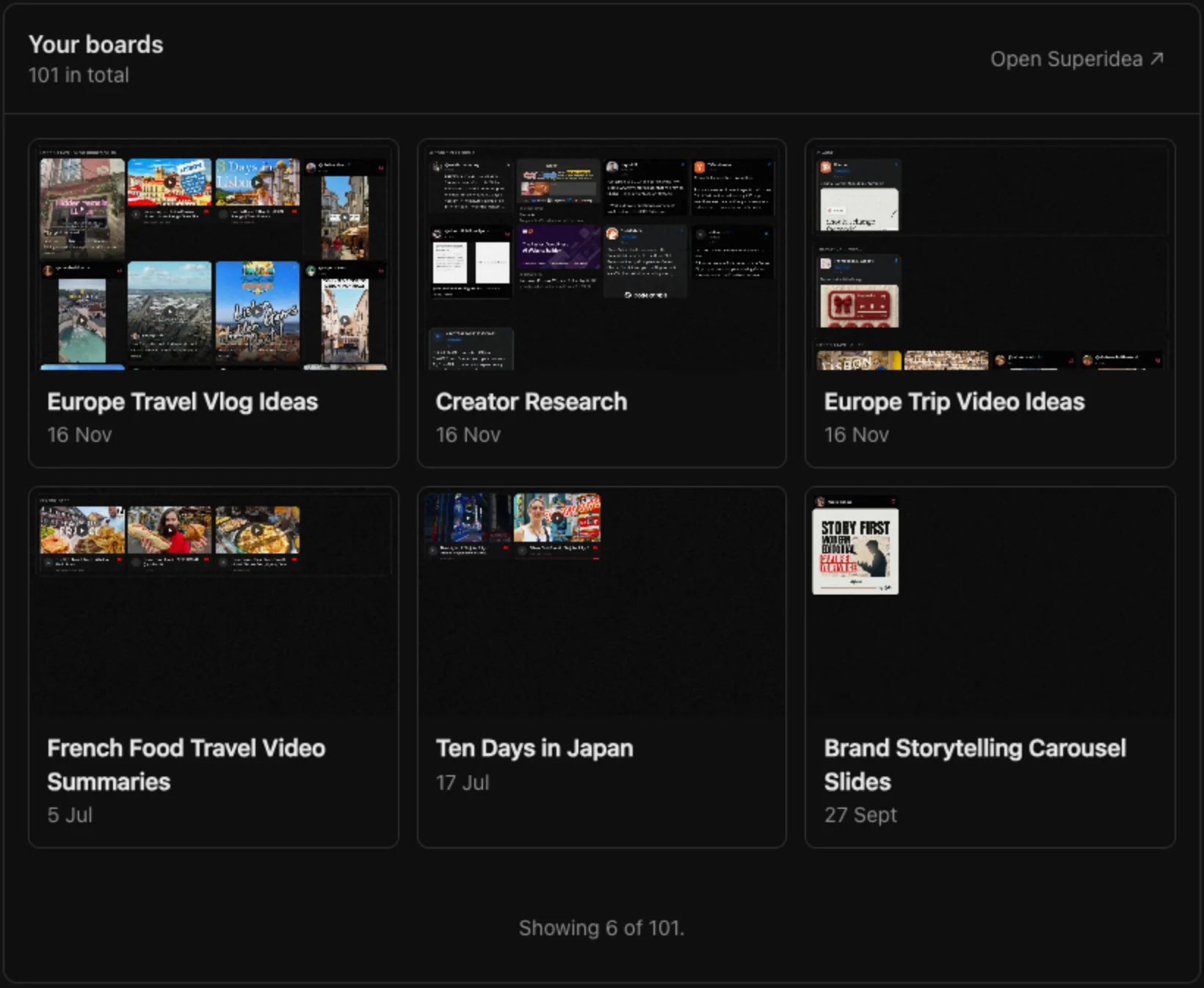
Your library
Everything you saved, one question away.
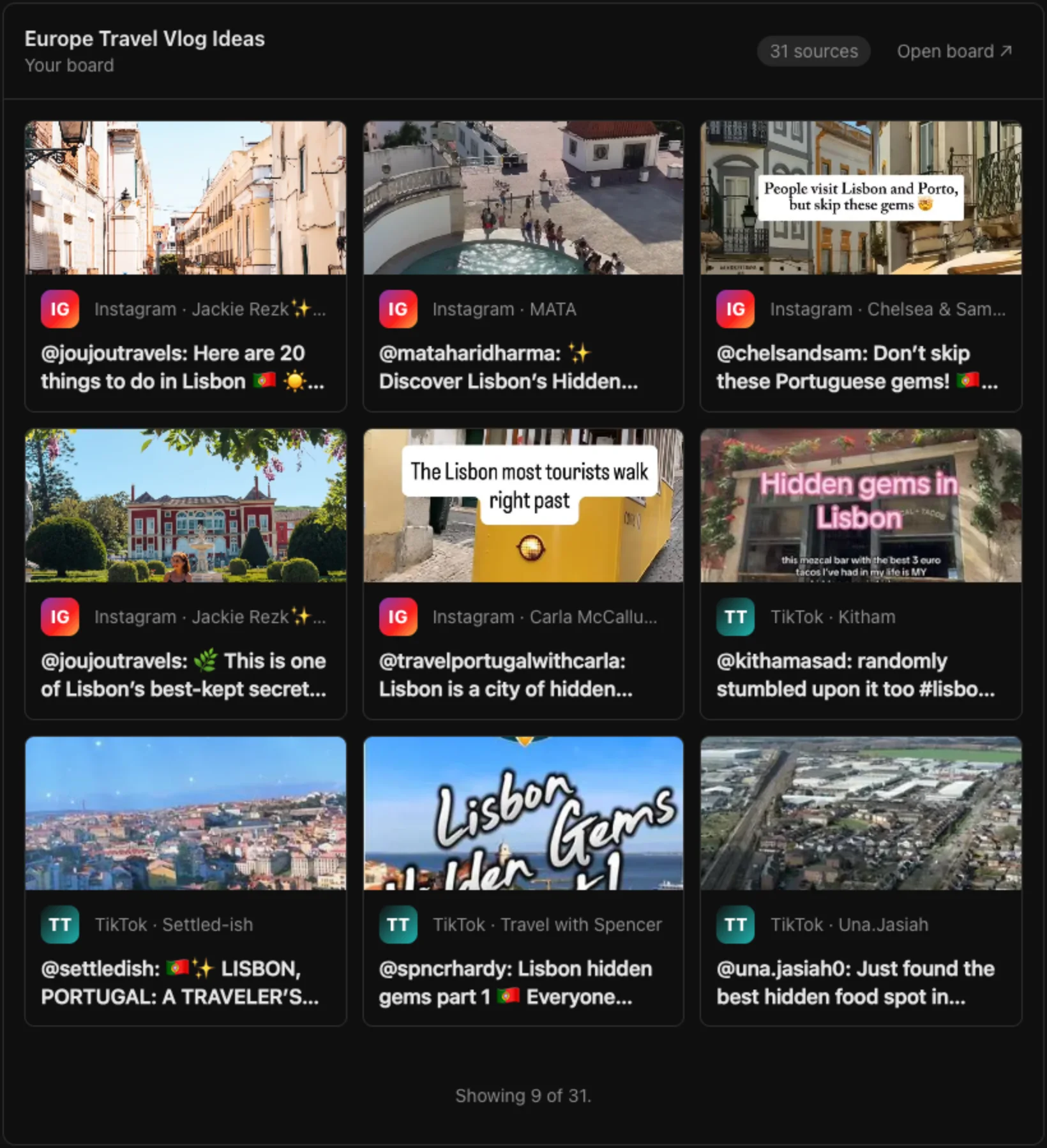
Ask Claude what's on a board and it pulls the real sources: transcripts, captions, articles and notes. It answers from what you collected, and shows your boards as cards you can click straight into.
Build a board →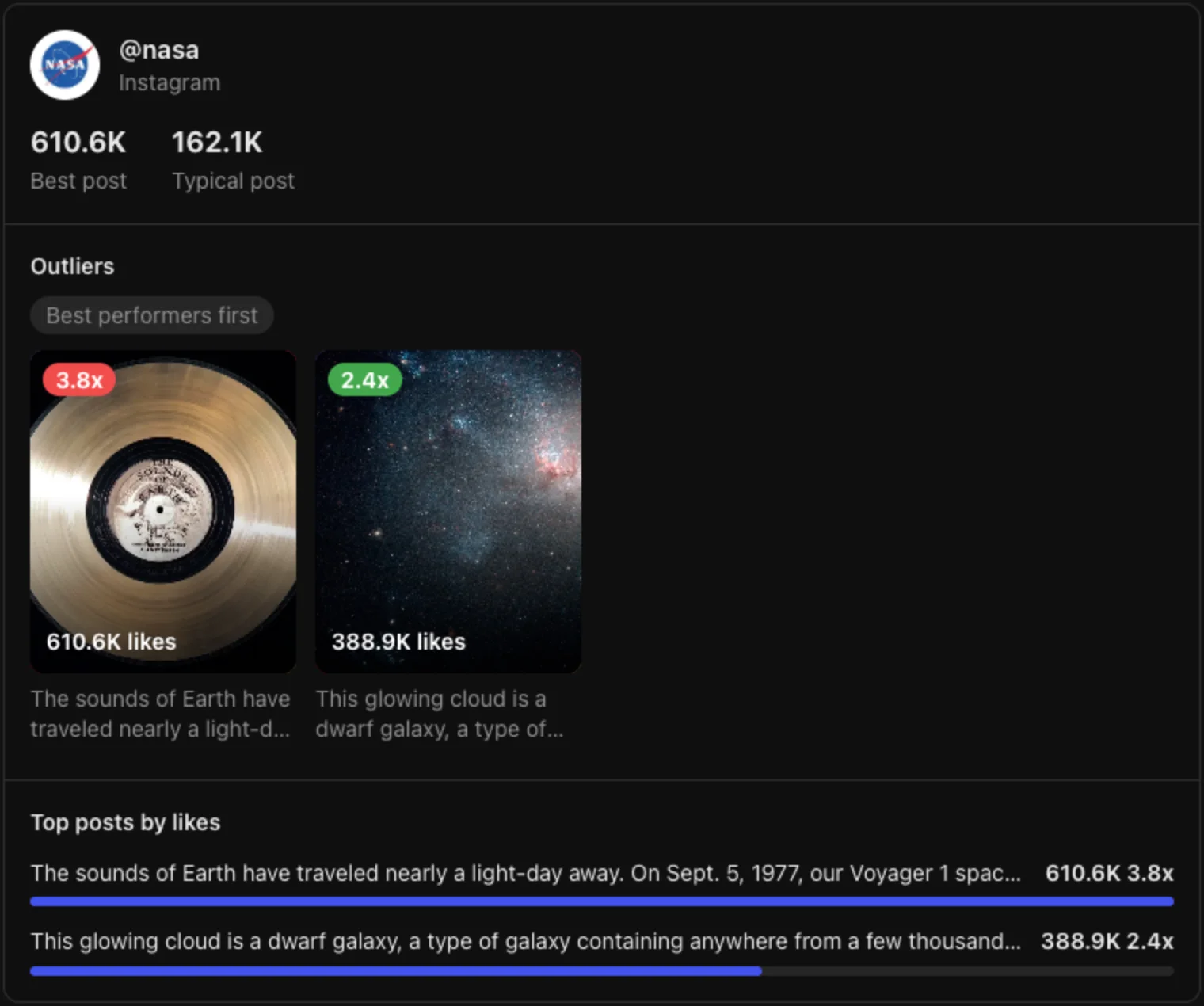
Live research
See what's working for any creator.
Ask for a creator's outliers and Claude scores each recent post against that account's own typical numbers, so you see what punched above its weight and not just what's big. It can also search platforms, read comments and pull live ads.
Try it →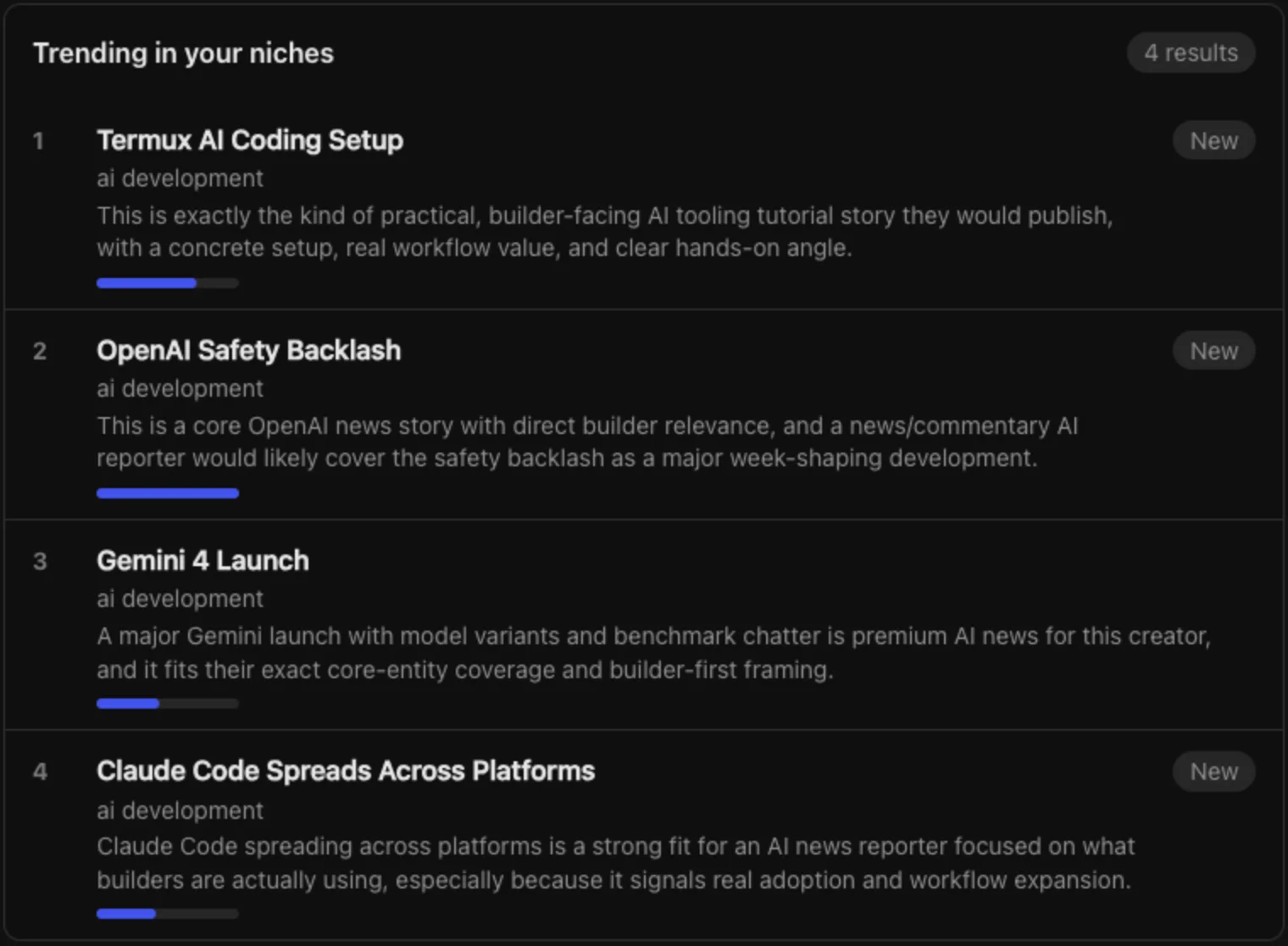
Already done for you
It knows your niche before you ask.
The trends and post ideas Superidea tracks for you every day are there the moment you connect, along with your personas, your writing playbooks and what it remembers about your work. Looking them up costs nothing.
See your trends →Set up in a minute
Three steps, no keys.
Add the connector
In Claude, open Settings, then Connectors, and add a custom connector with the address below.
Sign in to Superidea
Claude sends you to Superidea. Pick read-only or full access and press Connect.
Ask away
Start a chat and ask for your boards, a creator's outliers or what's trending in your niche.
Connector address
https://app.superidea.ai/api/v1/mcpUsing Claude Code? Run: claude mcp add --transport http superidea https://app.superidea.ai/api/v1/mcp, then sign in with /mcp. It is the open MCP standard, so other apps that support it, like ChatGPT and Codex, can connect with the same address.
What your AI can do
31 tools, one connection.
Reads what you saved
Boards, Library, chats and the full text of any source.
Searches by meaning
Finds the passages that answer a question, not just matching words.
Finds what's working
Creator outliers, recent posts, comments, trending feeds and live ad libraries.
Writes in your voice
Your personas, playbooks, visual styles and memory travel with you.
Saves back
With full access it saves posts and notes to your Library and builds boards.
Runs your workflows
Start a saved workflow from the chat and read what it produced.
Good to know
You stay in control.
Your AI plan does the thinking
Claude runs on your own Claude plan. Superidea supplies the data and the tools.
Reading is free
Your own boards, Library, trends and ideas cost nothing. Live research is 1 credit a call.
Read-only if you want
A read-only connection can look things up and research, but cannot change your account.
It never posts for you
It can save and draft. Nothing is published anywhere on your behalf.
Disconnect anytime
Every connected app is listed in Settings, with one click to cut it off.
On the Max plan
Connecting outside AI apps is included with Max.
Bring your research into every chat.
Connect once. Ask Claude about anything you've saved.
Get started for free